How To Create 2D Defender Game With Unity & C#
Last updated 1/2022
Created by CodeIsland Studio
MP4 | Video: h264, 1920x1080 | Audio: AAC, 44.1 KHz, 2 Ch
Level: Beginner | Genre: eLearning | Language: English + subtitle | Duration: 39 Lectures ( 7h 7m ) | Size: 4.6 GB
How To Create 2D Defender Game With Unity & C#
What you'll learn
⚡ sound system for your game
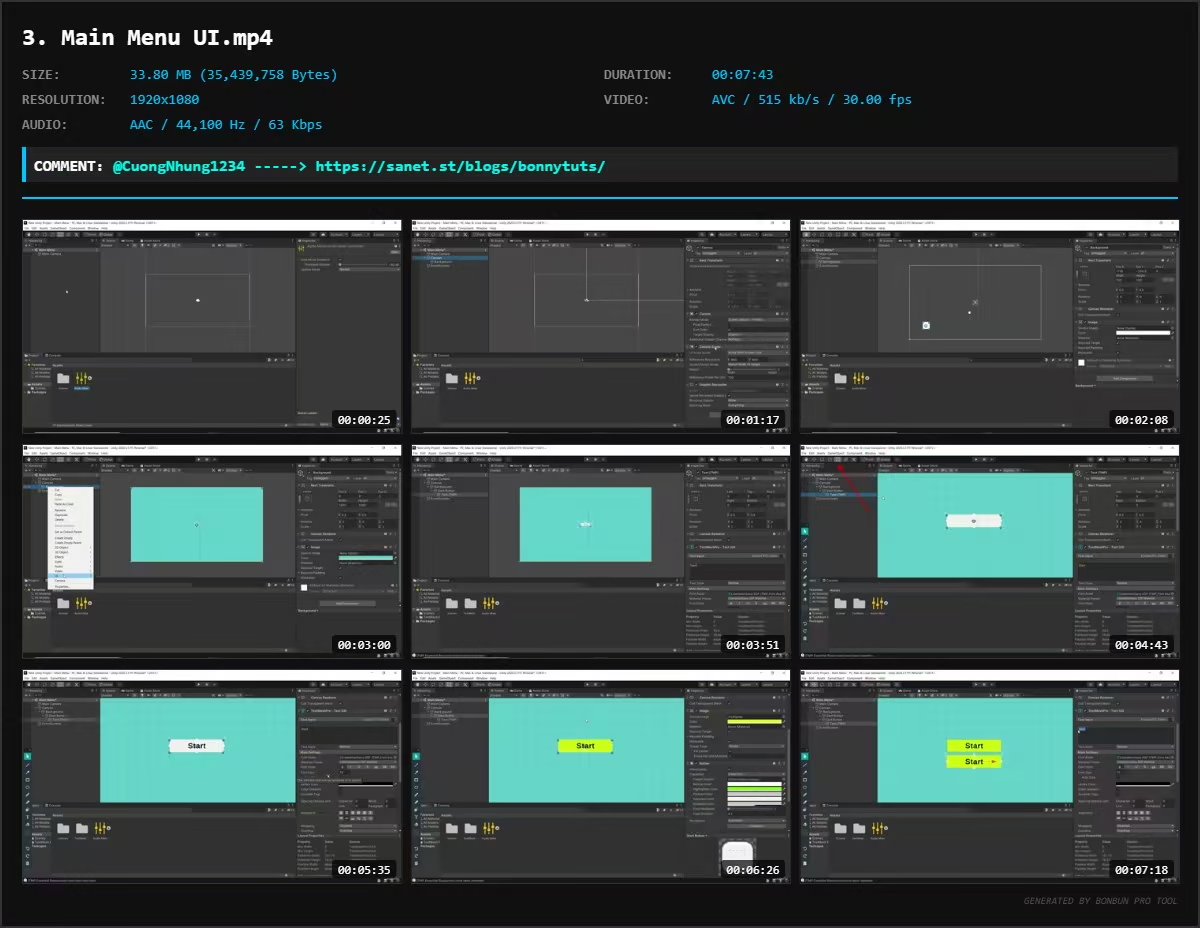
⚡ making Main Menu
⚡ understanding a defender game system
⚡ UI
Requirements
❗ need pc
Description
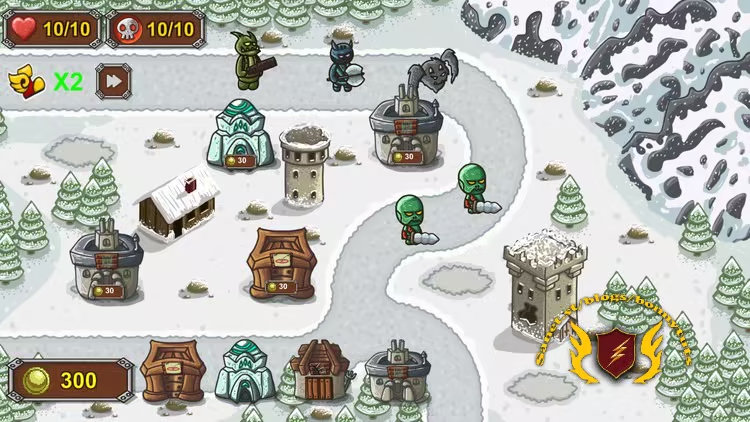
Learn how to create and program a complete UI Menu System & Defender Game in Unity and C# .
In this course you won’t just be learning programming concepts, but tying these concepts to real game development uses. You will have access to a course forum where you can discuss the topics covered in the course as well as the next steps to take once the course is complete.
At the end of this course you will have developed the ability to create such elements as
1)How to make an UI Screen
2)Options Menu with start and exit button
3)Complete Audio Control System which you can adjust volume and at the same time it will get saved in player prefs
4)Adjust Graphics Settings in your games
5)Pause Menu
6)How to make enemy and pathfinding
7)how to make towers with AI system
8)make Lose & Win Window
9)Speed you game to make it more intrestinf for players
10)upgrading towers and boost their powers
11) and more...
Start learning today and let me help you become a game developer!
Who this course is for
⭐ Beginners
Welcome to My Blog - Check it Every Days
If you have any troubles with downloading, PM me
Please Buy Premium Account from my links to get high download speed and support me
Happy Learning!!
Quick check before we show the links
Helps us keep automated scrapers from hammering the filehosts.