Laracasts - Livewire Basics
This post was published 5 years ago. Download links are most likely obsolete. If that's the case, try asking the uploader to re-upload.

Genre: eLearning | MP4 | Video: AVC, 1280x720 | Audio: aac, 48 kHz
Language: English | Size: 410 MB | Duration: 7 episodes (1h37m) | Beginner
Livewire has quickly become one of the most popular package for building Laravel applications. It allows you to create dynamic components within PHP, which often results in allowing you to skip the JavaScript layer entirely.
In this series, we’ll go over the basics of Livewire and why/when you might reach for it. We’ll then build and test several practical Livewire components.
Introduction
Section 1:
How it Works
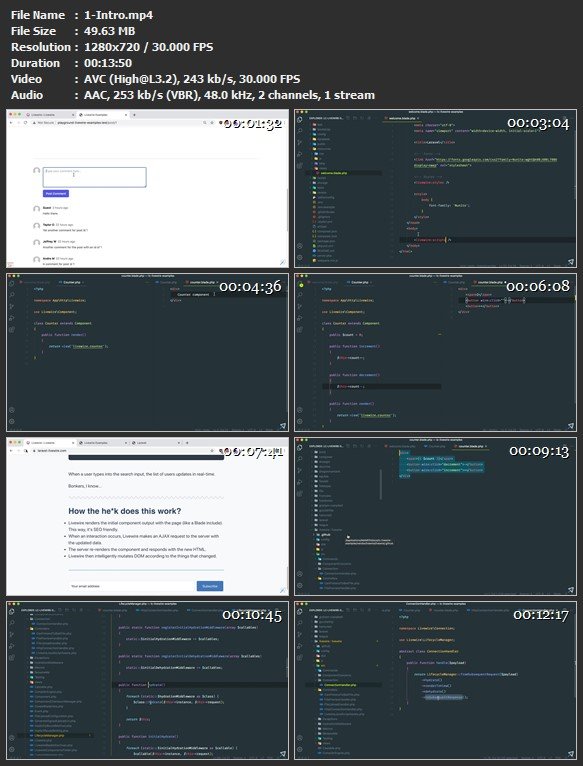
To get started, let's review the basics of Livewire and build the obligatory counter example. Next, we'll take a brief look at the request/response lifecycle of a Livewire component.
View the source code for this episode on GitHub.
https://github.com/laracasts/lc-livewire-examples/commit/f482db345039907b258eeffa1f33404c4e5a3d56
Section 2:Next up, let's use the iTunes API to build a search dropdown that allows us to search for songs and artists. As part of this example, we'll also review how to test it.
View the source code for this episode on GitHub.
Contact Form With Validation
Let's convert a vanilla contact form to use Livewire. This will give us the opportunity to also review real-time validation. This component should give you a solid understanding of the basics of Livewire, including binding data with wire:model, calling methods on the server, and re-rendering views.
View the source code for this episode on GitHub.
https://github.com/laracasts/lc-livewire-examples/commit/5ae5ed4c32672e4c8d7ddd130c6eecae6b5c0c6b
Contact Form Testing
Testing Livewire components is a breeze. Let's have a look at testing our contact form and all of its features.
View the source code for this episode on GitHub.
https://github.com/laracasts/lc-livewire-examples/commit/61abe4295c994d2368b3ed4458f23c699cf8b0ba
Search Dropdown
Next up, let's use the iTunes API to build a search dropdown that allows us to search for songs and artists. As part of this example, we'll also review how to test it.
View the source code for this episode on GitHub.
https://github.com/laracasts/lc-livewire-examples/commit/110ffecece10e01015cfb31224dfcd7aa6aa8872
Pagination
Pagination in Livewire is quite similar to pagination within a vanilla Laravel. Let's review everything you need to know in this episode.
View the source code for this episode on GitHub.
https://github.com/laracasts/lc-livewire-examples/commit/48ea606c08852b85d85efac96a87c030327a507d
Datatables
Let's build a datatables component that allows a person to search, filter, sort and manipulate the query string. This component will demonstrate the power of Livewire, as building a datatables component the traditional way would require a significant amount of JavaScript.
View the source code for this episode on GitHub.
https://github.com/laracasts/lc-livewire-examples/commit/df0faf7eeeedf00b68574cf86f70009735594132
Screenshots
Quick check before we show the links
Helps us keep automated scrapers from hammering the filehosts.