SOLIDWORKS: Tips & Tricks (Updated 01/09/2019)
This post was published 7 years ago. Download links are most likely obsolete. If that's the case, try asking the uploader to re-upload.

LinkedIn | Duration: 2 h 38 m | Video: H264 1280x720 | Audio: AAC 48 kHz 2ch | 456 MB | Language: English | 2019
Would you like to work faster and more efficiently with SOLIDWORKS? There is a ton of knowledge in the SOLIDWORKS community that you'll never learn from the documentation. Gabriel Corbett has spent years studying the program, attending conferences, teaching classes, and talking to fellow experts. In this course, he shares his insights with you. These tips and tricks cover many different facets of the program, from renaming files, customizing properties, to sketching and constructing difficult geometry, replacing parts, and drawing links. Each weekly episode is just 2-10 minutes—ensuring maximum returns in a minimum amount of time.
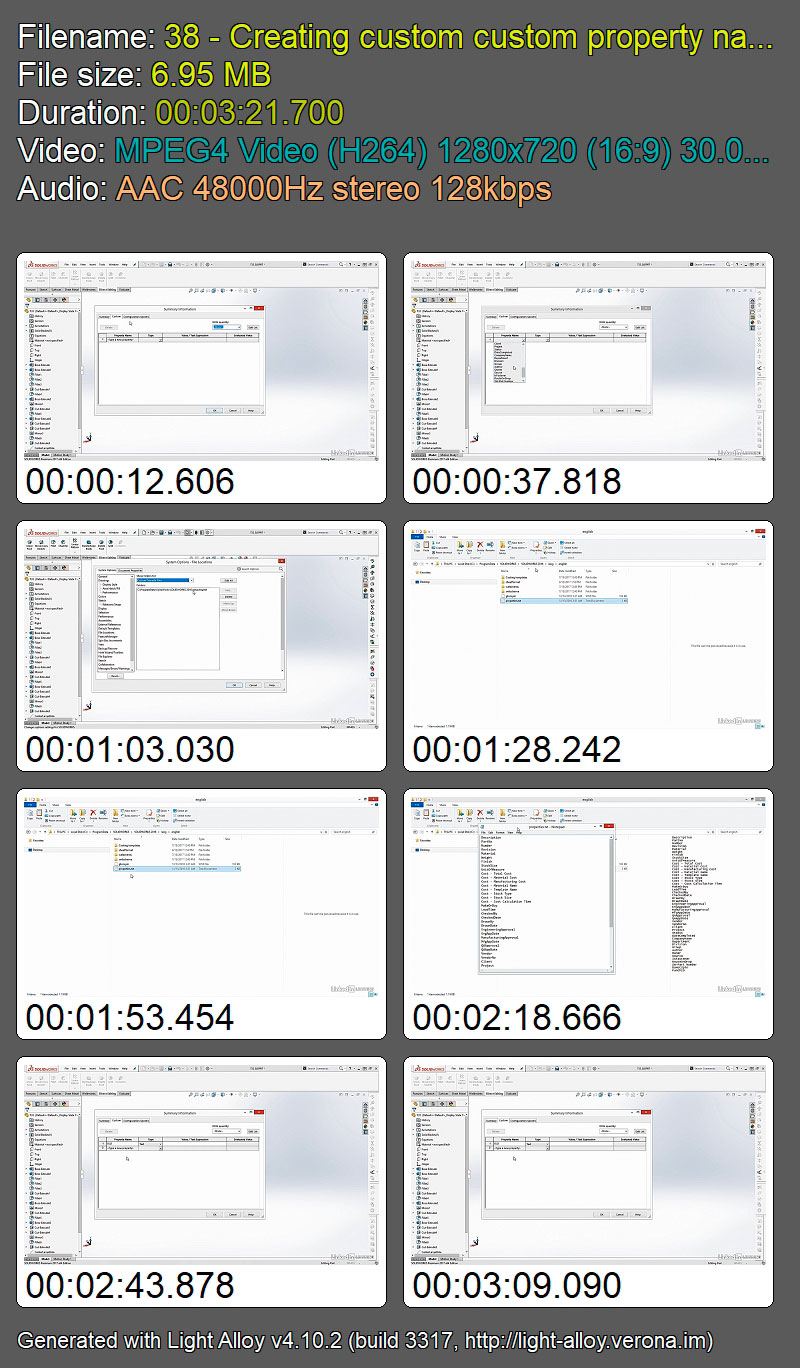
Screenshots
Quick check before we show the links
Helps us keep automated scrapers from hammering the filehosts.