Video Editing: Advanced Adobe Premiere Pro Masterclass (2020) (Skill Share)
This post was published 5 years ago. Download links are most likely obsolete. If that's the case, try asking the uploader to re-upload.
MP4 | Video: AVC 1920x1080 | Audio: AAC 48KHz 2ch | Duration: 52m | 751 MB | Language: English
In this class, there are more advanced tutorials for Adobe Premiere Pro, taking your beginner skills and enhancing them in this masterclass. We'll work together to create numerous projects following a 3-part workflow.
Footage review - We lay our footage out into a timeline to allow us to analyse and see what potential ways we can construct our video. And we'll learn a tonne of keyboard shortcuts on the way to make the process as efficient as possible.
Final composition - With both a-roll and b-roll loosely clipped and laid out in front of us, we make a plan to create a compelling and engaging video that includes a range of Premiere Pro features.
The cherry on top - We'll add background music to sound more pro, video and audio effects & colour grading to make our video complete!
If you're a complete beginner to Premiere Pro, we'll ease you in with the basic fundamentals before getting fancy with effects and keyframe animations in my other Skillshare course which you can find on my profile.
Homepage
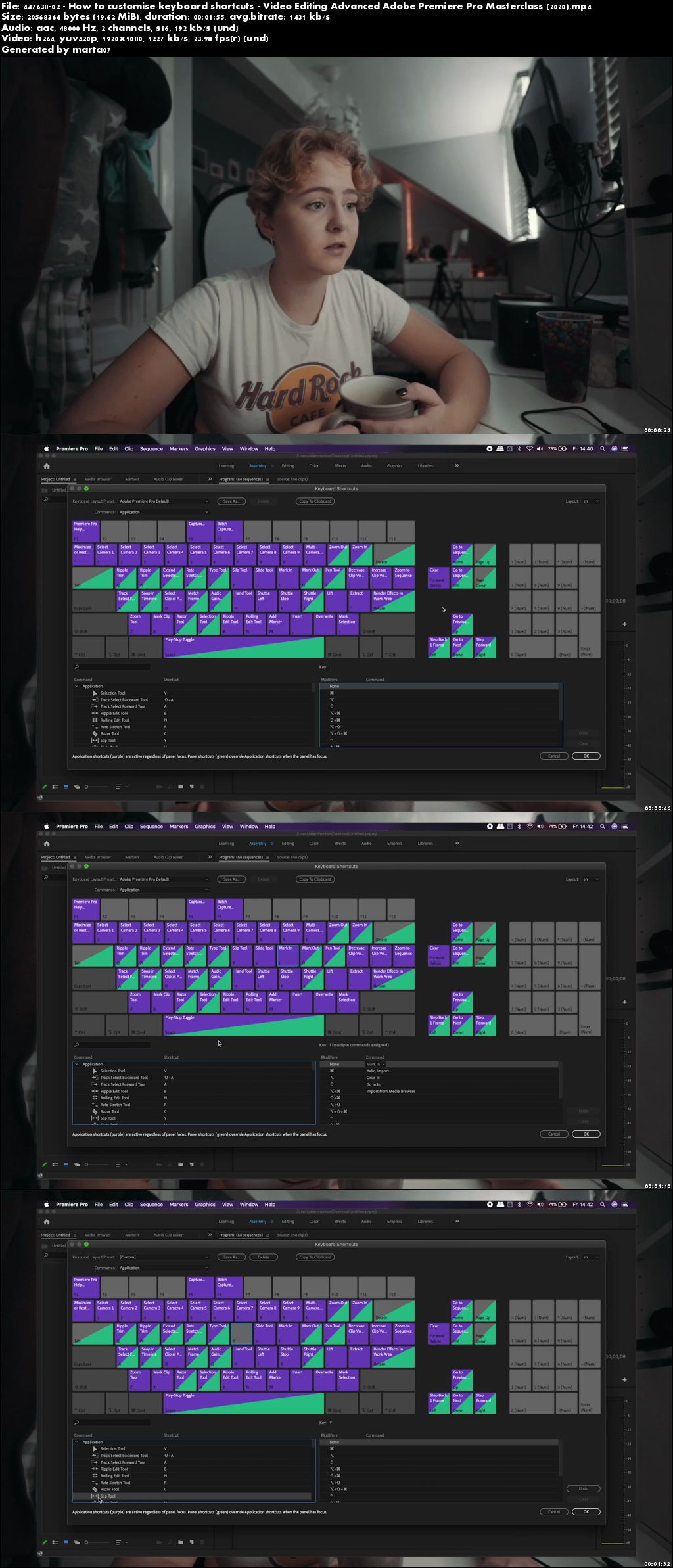
Screenshots
Quick check before we show the links
Helps us keep automated scrapers from hammering the filehosts.