Excel for Complete Beginners — Learn the Essentials

Published 4/2026
Created by James Wild
MP4 | Video: h264, 1920x1080 | Audio: AAC, 44.1 KHz, 2 Ch
Level: Beginner | Genre: eLearning | Language: English | Duration: 30 Lectures ( 4h 23m ) | Size: 2.85 GB
Excel Made Easy Learn the Essentials in Under 10 Minutes a Day
What you'll learn
✓ Development an understand of the excel user face
✓ Gain confidence in using some of excels features to perform basic calculations
✓ Utilisation of the basic skills to make excel do the work for you
✓ Development employability as you will be able to perform any office admin job or task after completing this course
✓ You will be able to move with in the work sheet, from tab to tab or work book to book work
✓ You will be able to format and make data easy to understand
✓ At the end of this course you will be comfortable opening up a spread sheet and have an idea of what is going on
✓ If you currently use excel as part of your work you will most likely learn some helpful tips and tricks
Requirements
● You do not need any prior experience in excel, that being said even if you do use excel at work for basic tasks i am confident you will still learn plenty of tips and tricks.
Description
Excel for Complete Beginners — Learn the Essentials in Under 10 Minutes a Day
This course is designed for absolute beginners who want to finally feel confident using Microsoft Excel. With 30 short, easy‑to-follow videos (all under 10 minutes), you’ll build a solid foundation in the most important Excel skills — at your own pace, on your own schedule.
Whether you’re starting a new job, improving your admin skills, or simply want to understand spreadsheets without feeling overwhelmed, this course breaks everything down into simple, practical steps.
What You’ll Learn
• How to navigate Excel confidently — cells, rows, columns, worksheets
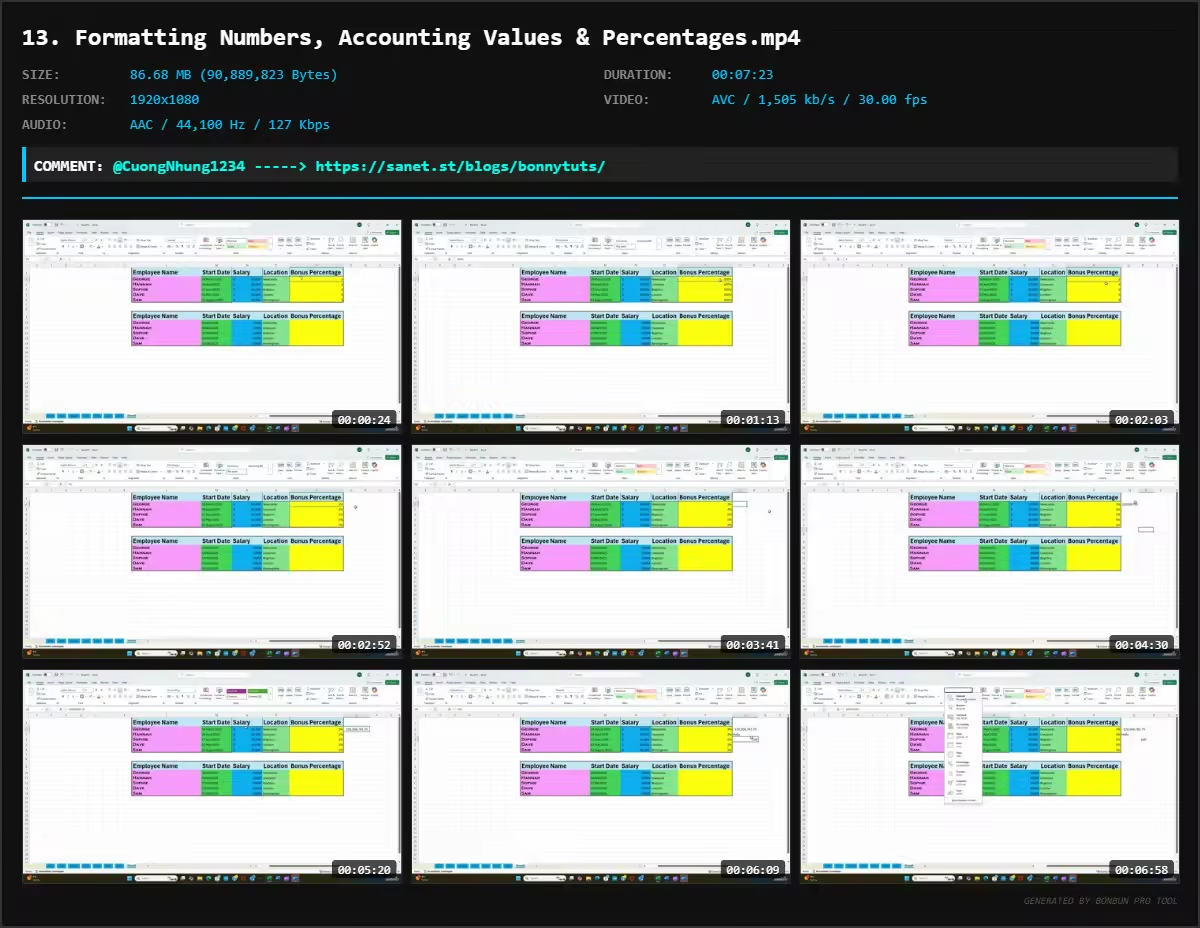
• Essential formatting skills to make your spreadsheets clean and professional
• The most important beginner formulas, including SUM, AVERAGE, COUNT and more
• How to copy, paste, insert, delete and move data efficiently
• Understanding the Excel ribbon — a clear walkthrough of every key tab and tool
• Time‑saving shortcuts that make everyday tasks quicker and easier
• How to build simple, functional spreadsheets from scratch
Course Format
• 30 bite‑sized video lessons
• All lessons under 10 minutes
• Watch on demand, anytime
• Learn at your own speed with no pressure
• Perfect for complete beginners or anyone needing a refresher
Why This Course Works
This course focuses on clarity, simplicity and real‑world use. No jargon. No fluff. Just the essential skills you need to feel confident using Excel in work, study or personal projects.
By the end, you’ll be able to navigate Excel with ease, understand the core tools, and build spreadsheets that actually make sense.
If you like the content and structure leave a review. Would you be interested in an Intermediate Excel course by me ?
Who this course is for
■ Excel novice, if you have never used excel before, and plan on getting a job where excel is needed.
■ If you currently use excel but have never had any formal training and find it difficult, slow and hard work.
■ If you use excel from time to time but want to be more efficient and learn a few tips and tricks to make manual tasks quicker
Welcome to My Blog - Check it Every Days
If you have any troubles with downloading, PM me
Please Buy Premium Account from my links to get high download speed and support me
Happy Learning!!
Quick check before we show the links
Helps us keep automated scrapers from hammering the filehosts.