Microsoft OneNote 2020: Master OneNote Basics in Just 50 Mins
This post was published 5 years ago. Download links are most likely obsolete. If that's the case, try asking the uploader to re-upload.

MP4 | Video: AVC 1364x768 | Audio: AAC 44.1KHz 2ch | Duration: 56m | 227 MB | Language: English
Last time you tried to organize your notes, however using Microsoft OneNote notebooks proved to be a troublesome task..
But it doesn't have to be this way!
You Will Walk Away With...
MORE TIME!
Master Microsoft OneNote 2020 Basics in just 50 minutes!
Understand the essence of OneNote functions, without memorizing them!
See how each of these functionalities are used with real examples!
After this class you will be able to:
Actually SMILE when you start creating Microsoft OneNote Notebooks from scratch :-)
Impress your boss, coworkers, and your friends on what you can do with OneNote!
If you're like me, you use Microsoft OneNote on a daily basis for important tasks and notes. Whether it's for business or personal related projects, everyone wants to be able to use Microsoft OneNote freely and easily.
If you're ready to gain full control of Microsoft OneNote 2020 TODAY, take the “Microsoft OneNote 2020: Master OneNote Basics" course right now and master the following:
Get Started with OneNote
Organize Notebooks
Settings and View Tab
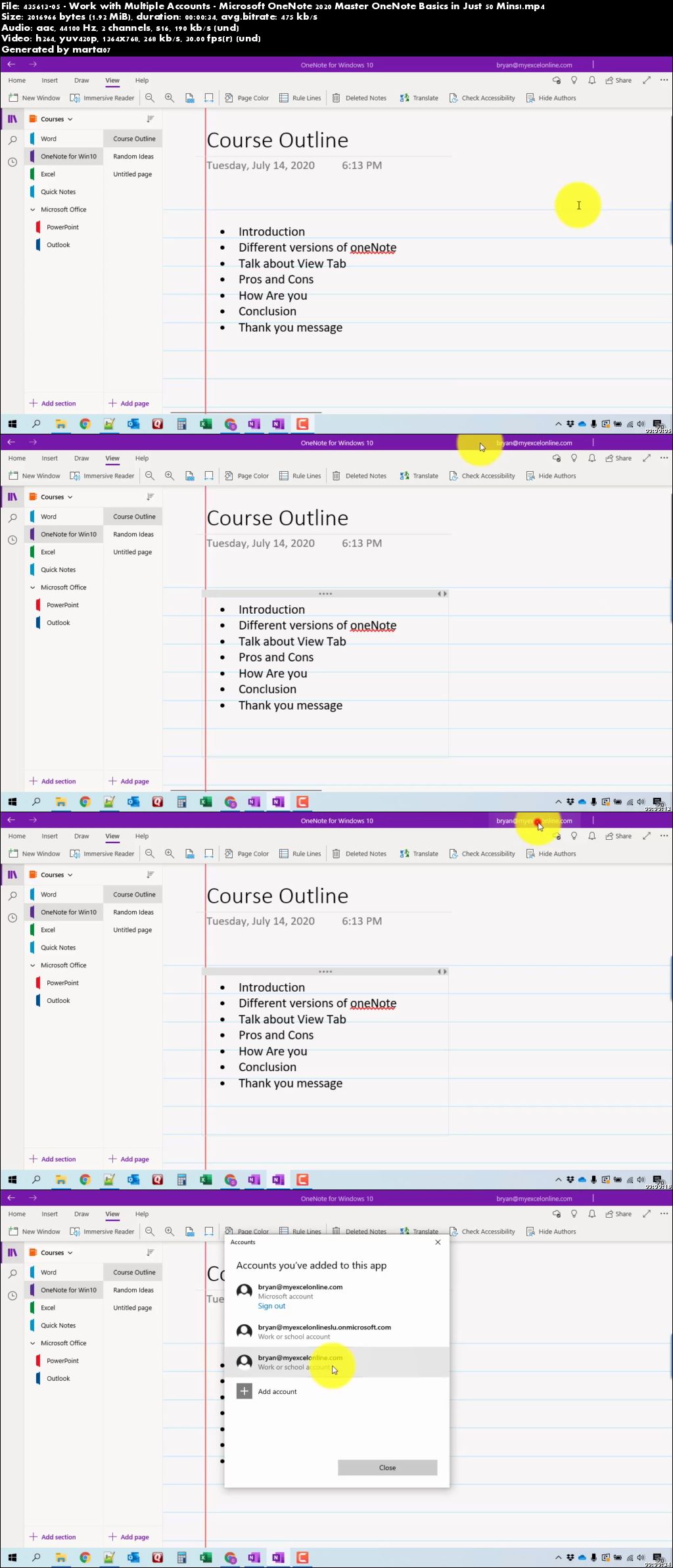
Work with Multiple Accounts
Tell Me in OneNote
Adding Text and Videos
Inserting More Items
Drawing Tools
Search Tool
OneNote Web Clipper
Share Notebooks and Pages
Print Pages
OneNote Online
OneNote 2016
Homepage
Screenshots
Quick check before we show the links
Helps us keep automated scrapers from hammering the filehosts.