Creating a Cute Character in Maya and Photoshop
This post was published 5 years ago. Download links are most likely obsolete. If that's the case, try asking the uploader to re-upload.
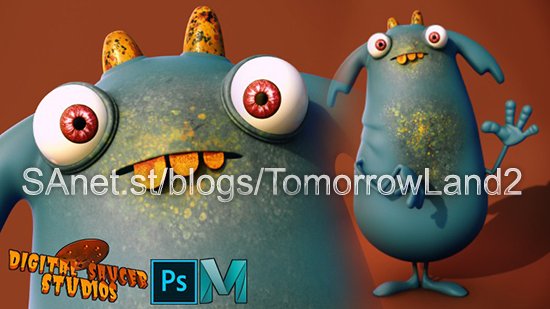

Created by Digital Saucer Studios | Last updated 2/2021
Duration: 9h 2m | 4 sections | 63 lectures | Video: 1280x720, 44 KHz | 7.9 GB
Genre: eLearning | Language: English + Sub
Learn modeling techniques as well as UV Mapping, Texturing, Lighting and Rendering in Maya then compositing in Photoshop
What you'll learn
Students will learn 3D modeling, UV Mapping, Texturing, Lighting and Rendering.
Students will also learn how to use Photoshop to create textures and make the final composite.
Requirements
You will need to have Maya and Photoshop and some basic understanding of how Maya and Photoshop work.
Description
Creating a Cute Character in Maya and Photoshop
Welcome!
This course dives deep into creating a character in Maya 2020.
First you will learn how to import an image plane, and how to set it up in preparation for modeling.
Then begins the modeling process. You will learn all the tips and tricks, as well as professional techniques, needed to create your 3D model.
We will look at what tools are used for the modeling process as well as learning how to use the options and shortcuts.
You will soon become familiar with the most common modeling tools in Maya, like the:
QUAD DRAW TOOL
MULTI-CUT TOOL
EXTRUDE TOOL
MIRROR TOOL
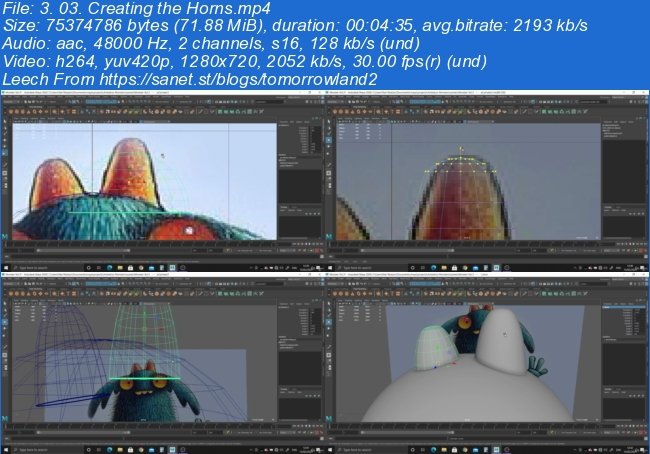
Screenshots
~~~~ Welcome to my Blogs ~~~~
Do not forget to check it every day!
If You should find any files not found, please PM me~ Download Download: Best Software for All
~ Tomorrowland2: Video Training
~ Pluralsight Tutorials: All Pluralsight Videos
~ EbookSA: Best Ebooks
~ Graphic World: Best Graphics
Quick check before we show the links
Helps us keep automated scrapers from hammering the filehosts.