How To Easily Enhance Your Photos In Photoshop
This post was published 5 years ago. Download links are most likely obsolete. If that's the case, try asking the uploader to re-upload.

MP4 | Video: AVC 1920x1080 | Audio: AAC 44.1KHz 2ch | Duration: 31m | 420 MB | Language: English
I want to show you how to Enhance Your Photos fast using Adobe Photoshop!
If you’re looking to take your images and photos to the next level quickly, this is the place! I’ll show you how to tweak your image to really pop and jump out of the page without using complicated photography equipment. Strengthen colors, amplify dimension and really increase the wow factor of your pictures!
You will learn how to:
Brighten and Enhance Your Images
Adjust Contrast and Vibrance
Fine Tune Individual Colors
Remove Small Blemishes
Export A Clean and Vibrant Image
and much more!
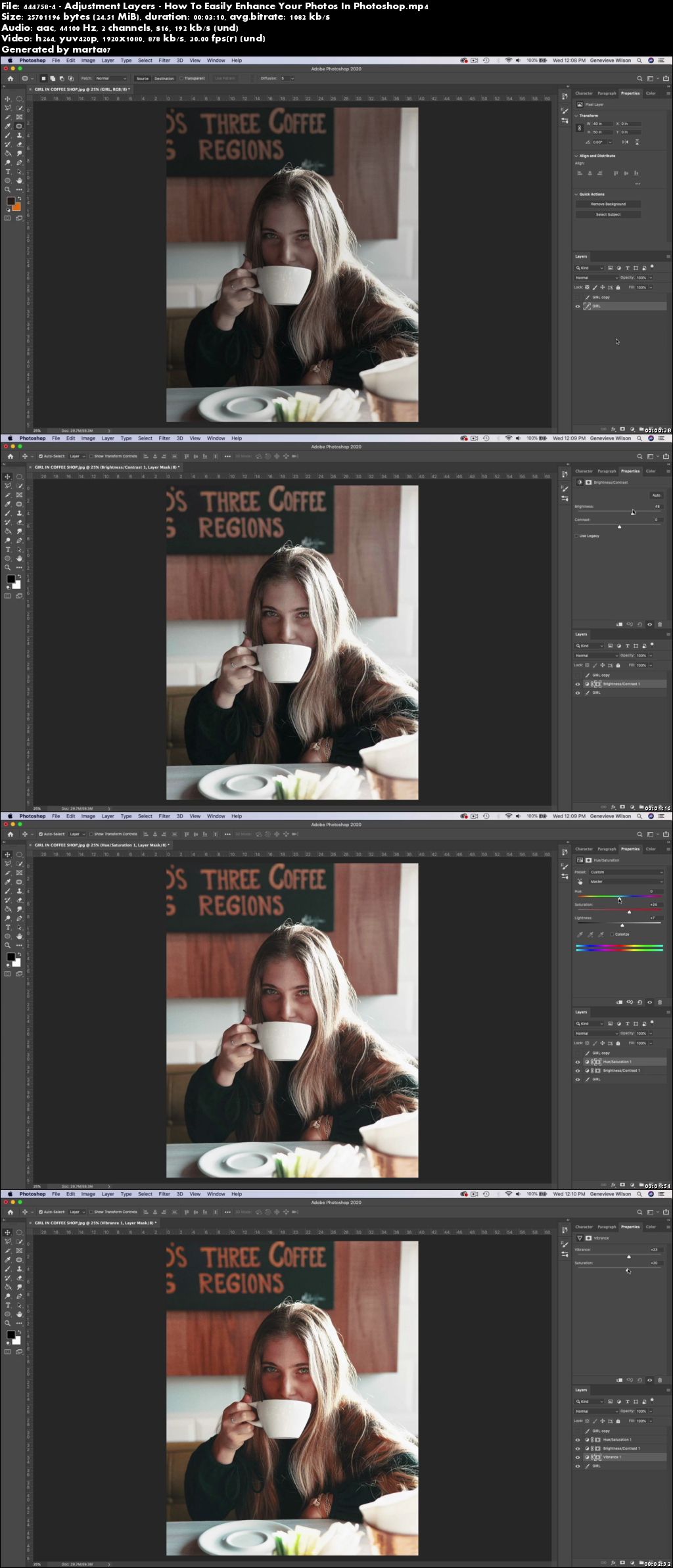
I’ll show you how to take a regular picture and make small, easy adjustments through a couple of exercises you can follow along with that will take your photos to the next level. I'll walk you through how to find adjustment layers and tweak color, vibrancy, contrast and brightness. I'll also show you some helpful tips and tricks along the way that I find super useful when working in Photoshop.
This course is aimed at complete beginners who want to learn something about Photoshop, but don't know where to start!
Homepage
Screenshots
Quick check before we show the links
Helps us keep automated scrapers from hammering the filehosts.