Shortcut your way through pattern design
This post was published 5 years ago. Download links are most likely obsolete. If that's the case, try asking the uploader to re-upload.

MP4 | Video: AVC 1920x1080 | Audio: AAC 48KHz 2ch | Duration: 47m | 386 MB | Language: English
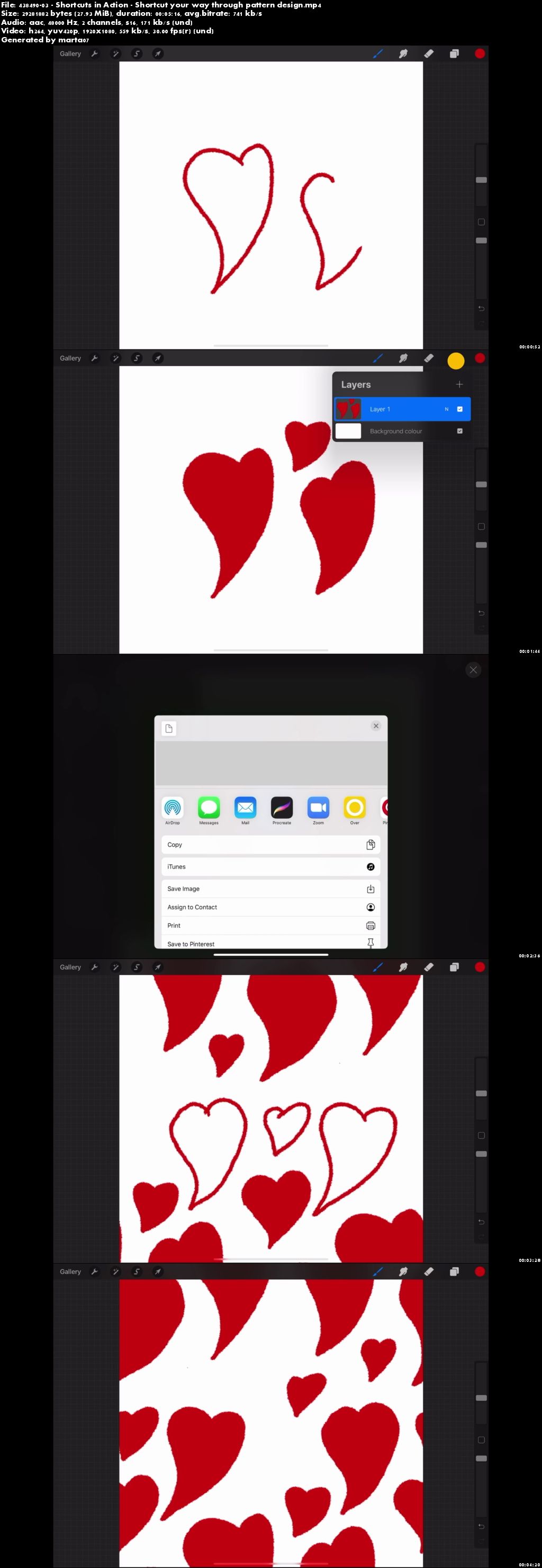
Have you ever struggled to make a repeating pattern in Procreate because you found it too fiddly to drag and drop your images around? This course will show you how to make some simple shortcuts that will make the process so easy! No complex graphic design programs are needed.
Or have you never made a seamless repeating pattern and want somewhere to start? This course is perfect for anyone who would like to learn how to make seamless pattern designs using drawing programs on their iPad.
The beauty of making the shortcuts is that once they are made, you don't have to make them again, so you can concentrate on making really cool patterns.
I hope you enjoy this class and find it useful!
Requirements for the class
iPad (software version 12 or later)
Any drawing app (I’ll be using Procreate for the demonstration)
Homepage
Screenshots
Quick check before we show the links
Helps us keep automated scrapers from hammering the filehosts.