Access 2019: Tips, Tricks, and Techniques
This post was published 7 years ago. Download links are most likely obsolete. If that's the case, try asking the uploader to re-upload.

MP4 | Video: h264, 1280x720 | Audio: AAC, 48 KHz, 2 Ch
Genre: eLearning | Language: English + .SRT | + Exercise Files
Level: Advanced | Duration: 2h 29m | 578 MB
Create a better experience for your Access users. This course covers tips and techniques that can help Access developers transform a boring database into a fast, efficient, and even fun environment. Access expert Adam Wilbert shows how to remove typical Access interface elements for a better start-up experience, as well as how to borrow some tricks from web design to make your database more attractive and interactive. Plus, learn how to clean up a cluttered navigation pane, filter long lists with cascading combo boxes, and build in contextual help and keyboard shortcuts that your power users will thank you for.
Topics include
Creating an AutoExec macro
Working with hidden objects: queries, tables, and more
Splitting a database into back and front ends
Creating a dynamic reporting tool
Helping end users by providing shortcuts and context-sensitive help
Writing custom functions in Visual Basic
Packaging and distributing your Access application
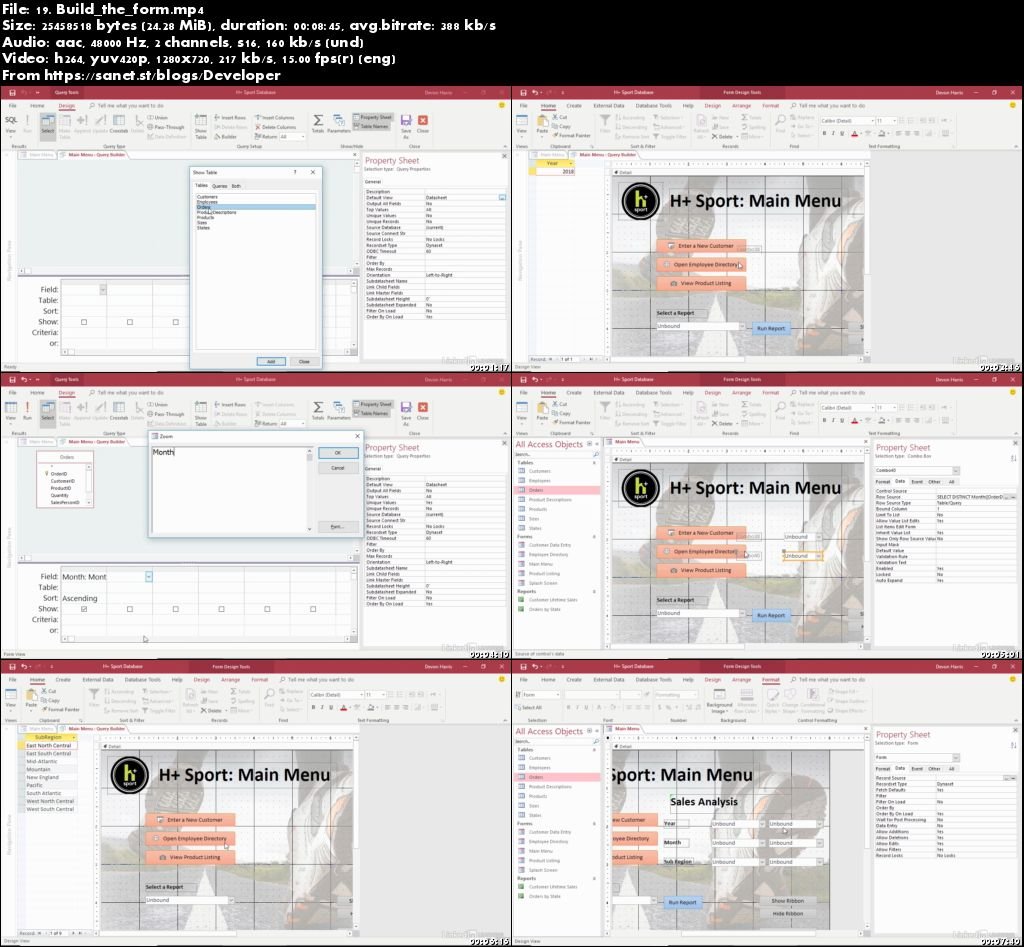
Screenshots
Quick check before we show the links
Helps us keep automated scrapers from hammering the filehosts.