Xamarin.Forms Essential Training
This post was published 7 years ago. Download links are most likely obsolete. If that's the case, try asking the uploader to re-upload.

MP4 | Video: h264, 1280x720 | Audio: AAC, 48 KHz, 2 Ch
Genre: eLearning | Language: English + .SRT | + Exercise Files
Level: Beginner | Duration: 1h 48m | 337 MB
Xamarin.Forms is a cross-platform UI toolkit that developers can leverage to build fully native mobile apps using C#. It can speed up and simplify the development process by enabling you to create a single, shared UI that renders natively on different platforms. In this course, Matt Milner helps you get started with this powerful toolkit. To help you get a practical understanding of Xamarin.Forms, Matt steps through how to build a Xamarin app that uses Xamarin.Forms for the UI. Matt goes over the Xamarin.Forms application model, shows how to create a navigation page, and details the various layouts and controls that help you design your interfaces. He also shares techniques for dealing with platform-specific needs, shows how to embed native controls in your Xamarin.Forms page, and more.
Topics include
Creating a Xamarin.Forms solution
Navigating between pages
Screen layouts and controls in Xamarin.Forms
Data binding
Adding style to a control
Using a Xamarin.Essentials package
Embedding native controls in your shared forms
Writing custom renderers
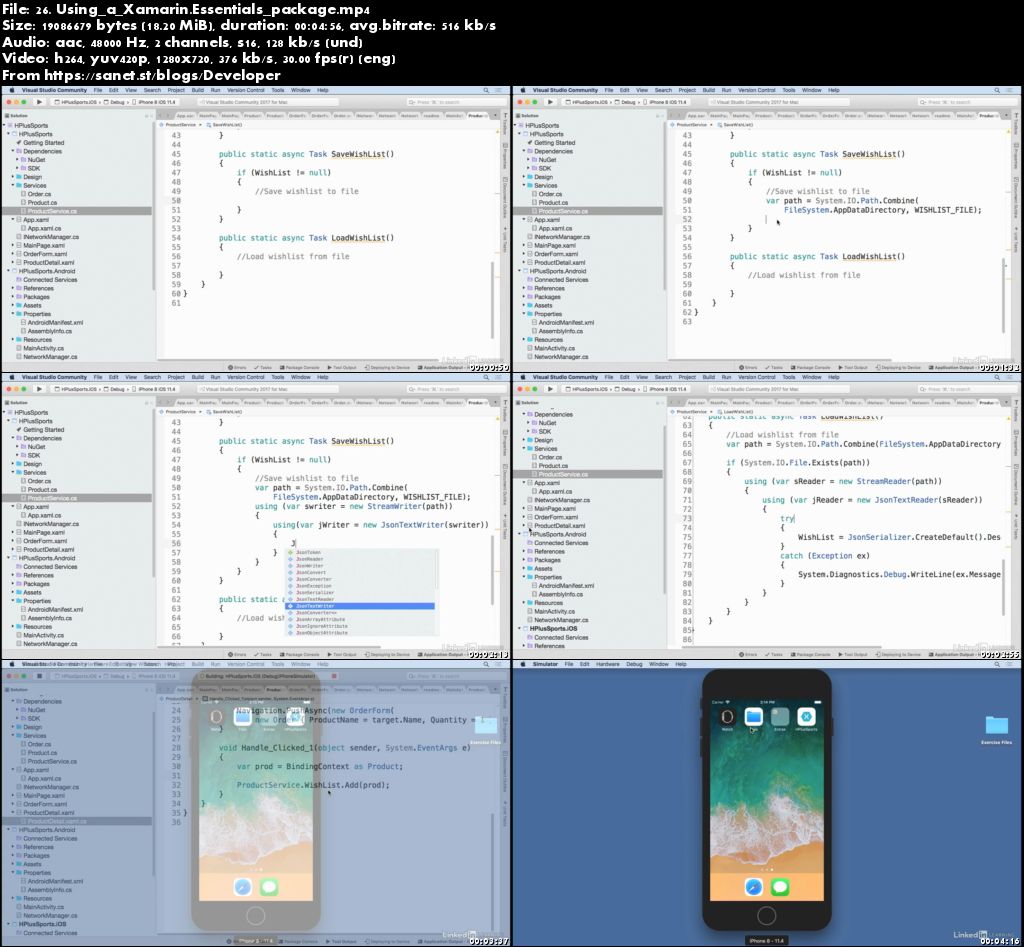
Screenshots
Quick check before we show the links
Helps us keep automated scrapers from hammering the filehosts.