Working with HumanIK Rigs in Maya
This post was published 7 years ago. Download links are most likely obsolete. If that's the case, try asking the uploader to re-upload.
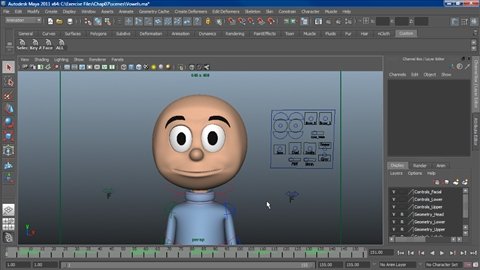
FLV | Video: AVC 960x540 | Audio: AAC 44KHz | Duration: 58M | 236 MB
Genre: eLearning | Language: English | Skill Level: Intermediate
Find out how to set up the HumanIK rigging system in Autodesk Maya and start creating realistic skeletons for your 3D characters. This course shows how to build the bone structure, adjust its size, and add controls. Once the skeleton is defined, author Adam Crespi shows how to animate the rig, and retarget the animation onto other characters. The course also includes an exploration of nonlinear animation using the Trax Editor, and instructions for sending the rig to MotionBuilder to map motion capture data.
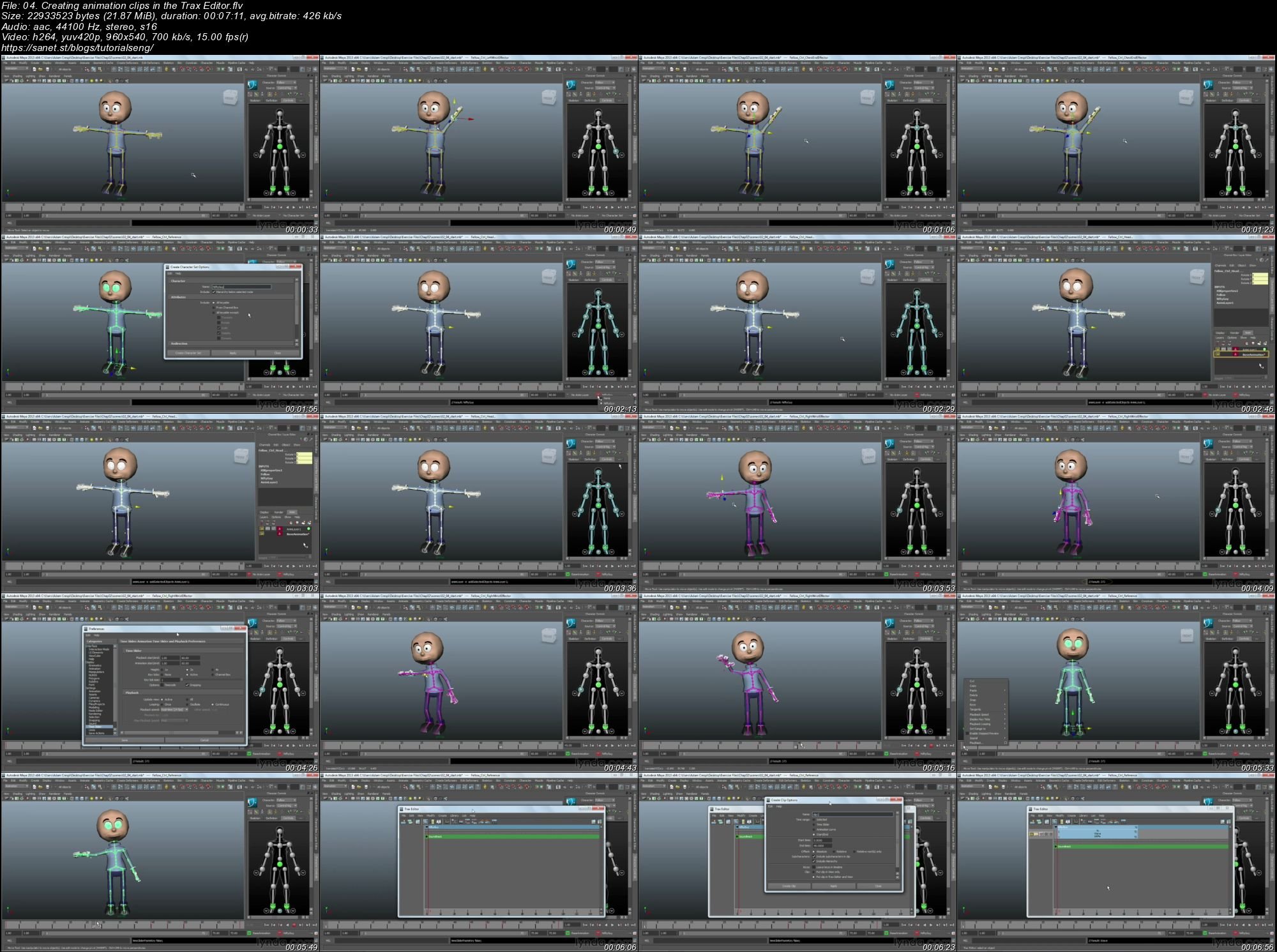
Screenshots
Quick check before we show the links
Helps us keep automated scrapers from hammering the filehosts.