Flat Icons: Create Flat Design Icons In PowerPoint
This post was published 10 years ago. Download links are most likely obsolete. If that's the case, try asking the uploader to re-upload.

Flat Icons: Create Flat Design Icons In PowerPoint
MP4 | Video: AVC 1280x720 | Audio: AAC 44KHz 2ch | Duration: 1.5 Hours | 235 MB
Genre: eLearning | Language: English
Learn how to design flat icons in 10 minutes using Microsoft PowerPoint!
DID YOU KNOW?
You can create beautiful flat design icons in Microsoft PowerPoint and not just boring slideshows! You don't need to be an artist or a designer to create custom icons.They can be created using simple shapes and colors. And if you have creativity by your side, you can use PowerPoint as your canvas to design icons - that gets your message across accurately.
NO EXPENSIVE SOFTWARE!
NO PRIOR EXPERIENCE NEEDED!
WHY TAKE THIS COURSE?
In this course, I’ll provide a step-by-step process to create customized icons using a combination of shapes & colors in PowerPoint. Right from choosing color themes, to merging shapes and exporting vector icons. It's all covered! This is a complete ‘hands-on’ course with various exercises and we promise you it’s going to be a lot of fun!
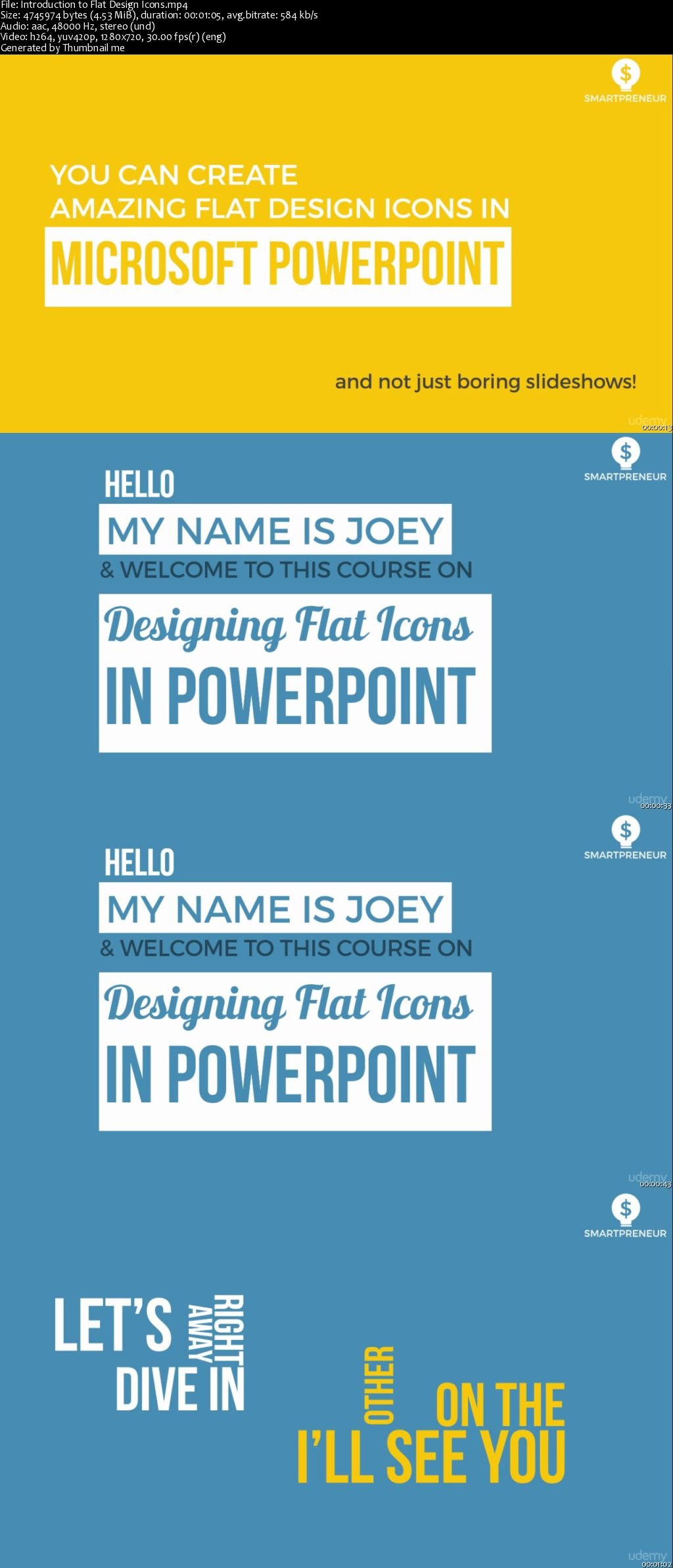
Screenshots
Screenshots

Password: sanet.me


http://nitroflare.com/view/A8D06537418782F/SAnet.me.UD.FlatIconsCreateFlatDesignIcons.rar
~~~~ Welcome to my Blogs ~~~~
Do not forget to check it every day!
If You should find any files not found, please PM me

Tomorrowland: Software, Video Training (New)
DownloadDownload: Software, Video Training

Ebook - Snorgared: Best Ebooks

Graphic World: Best Graphics

Android SAnet.me Collection Pack by Snorgared < Update Daily >