Clop 2.11.6 macOS
File Size: 88.4 MB
Optimise images as soon as you copy them
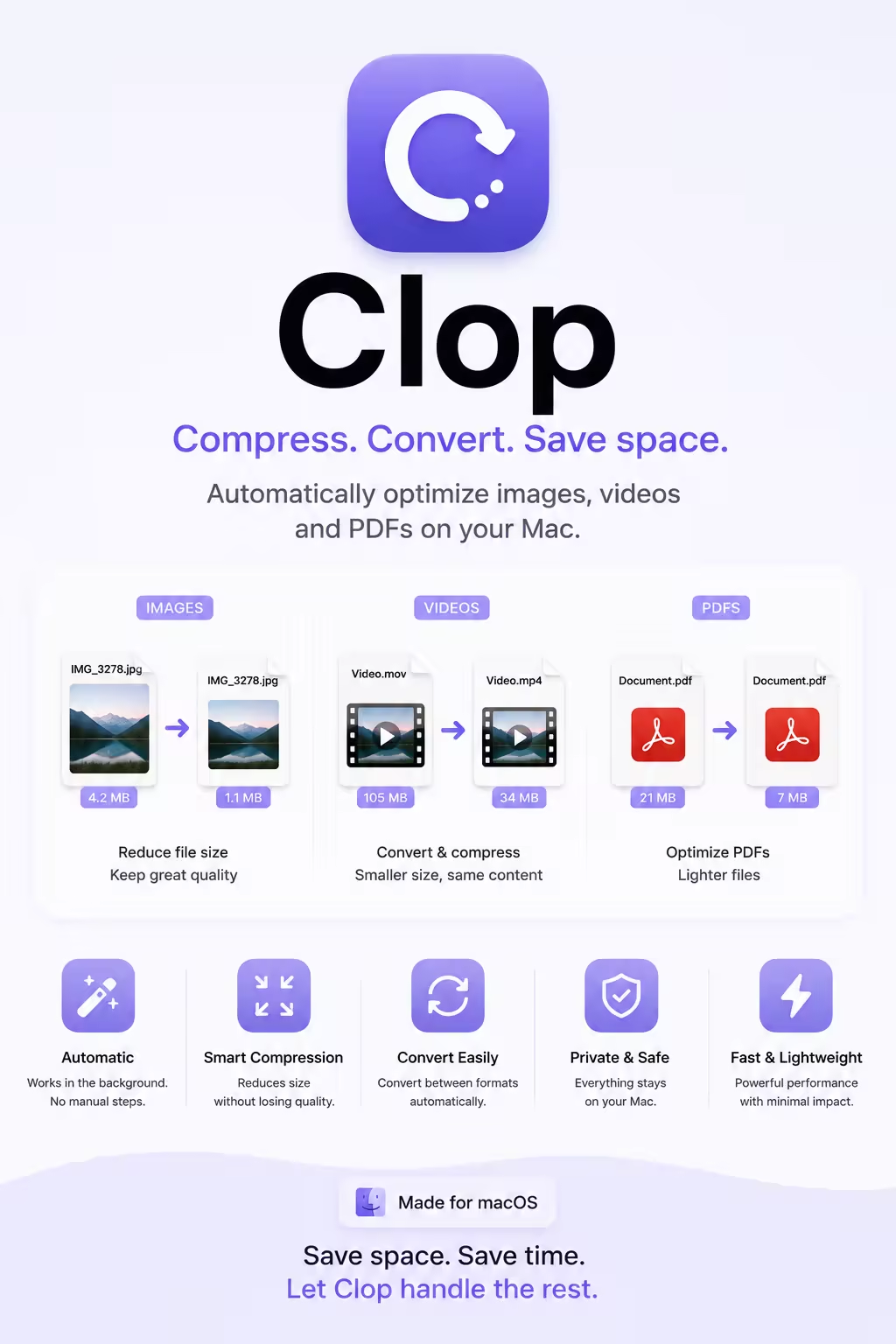
As long as the Clop app is running, every time you copy an image to your clipboard, Clop will optimise it to the smallest possible size. The optimised image will have minimal to zero loss in quality, and will be ready to paste in any app.
Screen recordings as small as screenshots
Sending screen recordings becomes 10x faster with Clop. The app will optimise the video as soon as you stop recording.
Downscale in a pinch
Get images and videos ready for sharing by scaling them down to any resolution.
Drag and drop to optimise
Optimising files manually is as easy as dragging and dropping them on the Clop drop zone.
Drop to Preset Zones
The drop zone can have preset zones for specific actions like converting to webp, downscaling to 50%, watermarking and more.
Convert to webp automatically
Clop's support for Shortcuts and Automations allows you to convert images to various formats automatically.
What's New
official site does not provide any info about changes in this version.
System Requirements
• macOS 13 or later
• Apple Silicon or Intel Core processor
Quick check before we show the links
Helps us keep automated scrapers from hammering the filehosts.