FastScripts 2.8.3 macOS
This post was published 5 years ago. Download links are most likely obsolete. If that's the case, try asking the uploader to re-upload.

Language: English | File Size: 6.1 MB
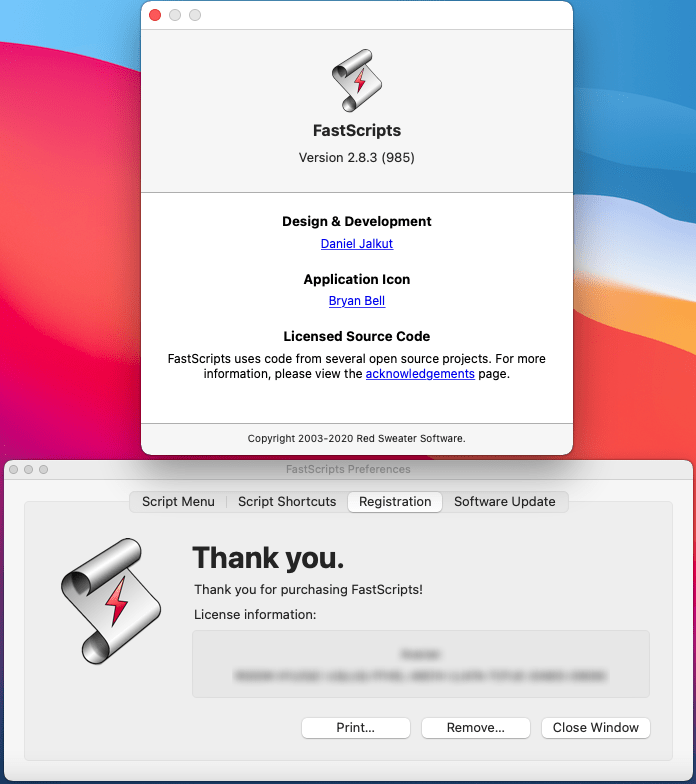
FastScripts is the super-charged scripting utility for macOS. Its custom keyboard shortcuts, and superior integration with running applications make getting your work done quickly and elegantly its top priority.
Smart Switching
When you execute a script, FastScripts switches the application context only when appropriate. Other launcher utilities switch context regardless of the script's functionality, and usually neglect to switch back when the script is finished running! With FastScripts, focus remains on the application you're working on. If the executed script needs to put up a window, the context is switched to the script. When you dismiss the dialog, FastScripts switches you back to the application you were working in!
Elegant application-specific script support
FastScripts is designed to display your scripts in as convenient and "natural" a form as possible. Apple's application-specific script support puts the scripts for the current app all the way at the bottom of the menu, making it harder to navigate to than any of the other scripts! In FastScripts, the application-specific scripts are displayed prominently at the top of the menu, right where you would expect to find them. Starting in FastScripts 2.1, application-specific functionality extends to keyboard shortcuts, as well!
Custom Menu Organization
Starting in version 2.2.5, FastScripts will arrange menu items in a user-specified order based on a common convention followed by BBEdit and others. If the file or folder name starts with any two characters and a ')', then the characters are used to control the relative placement of the item. For instance, a script named "AA)Zounds" will show up as "Zounds" in the menu but be placed above an item named "Apples". FastScripts will also respect the "menu separator" convention - when a folder's name ends in "-***", its contents are ignored and a menu separator line is inserted where its name would ordinarily appear.
RELEASE NOTES
Release notes were unavailable when this listing was updated.
System Requirements
OS: macOS 10.12 - macOS 11.0
Screenshots
Homepage
Quick check before we show the links
Helps us keep automated scrapers from hammering the filehosts.