MX Player Pro v1.8.1 with DTS Patched
This post was published 10 years ago. Download links are most likely obsolete. If that's the case, try asking the uploader to re-upload.
MX Player Pro v1.8.1 with DTS Patched | 14.5 MB
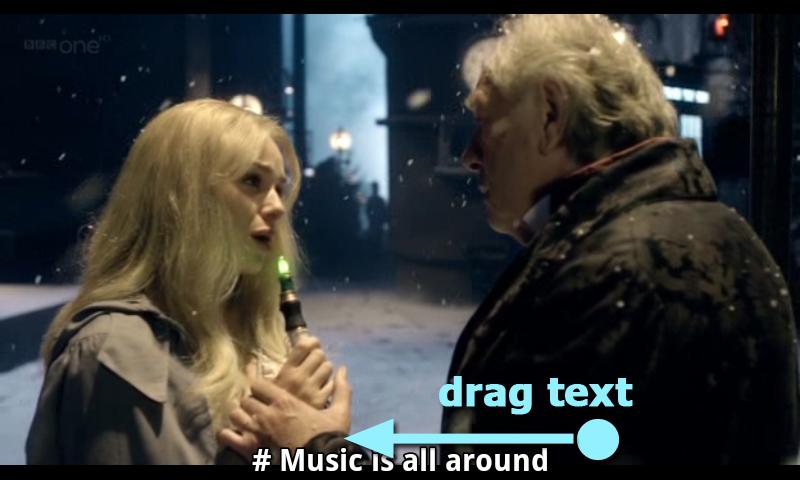
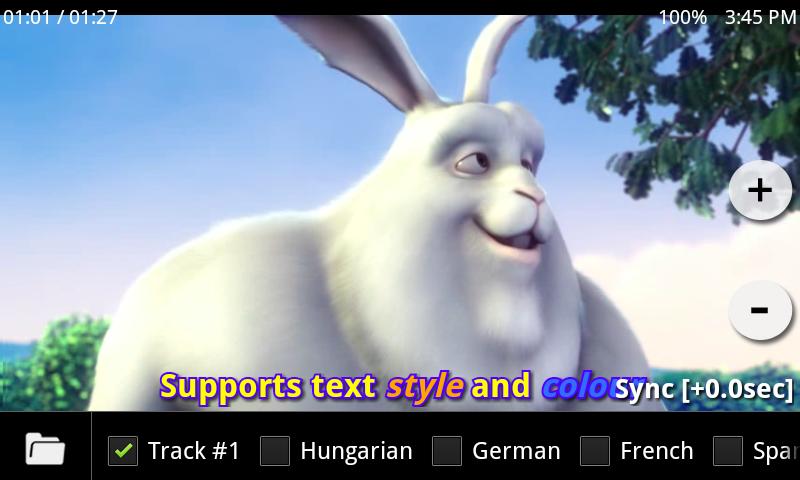
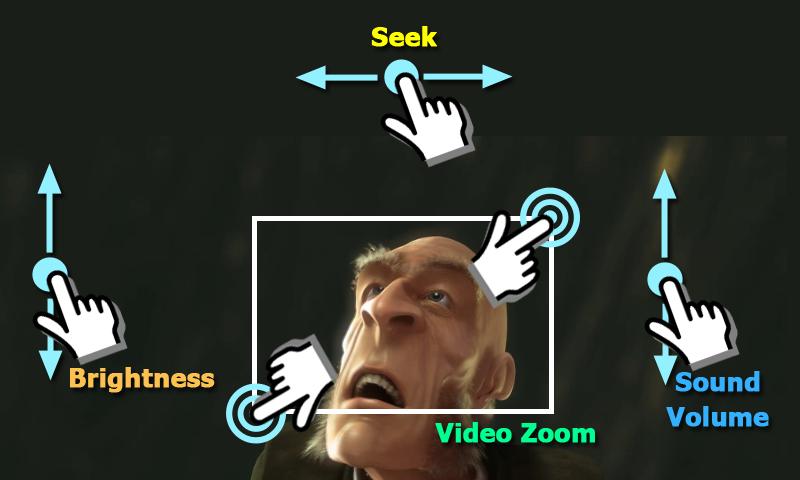
MX Player - The best way to enjoy your movies. HARDWARE ACCELERATION - Hardware acceleration can be applied to more videos with the help of new H/W decoder, MULTI-CORE DECODING - MX Player is the first Android video player which supports multi-core decoding. Test result proved that dual-core device’s performance is up to 70% better than single-core devices, PINCH TO ZOOM, ZOOM AND PAN - Easily zoom in and out by pinching and swiping across the screen. Zoom and Pan is also available by option, SUBTITLE GESTURES - Scroll forward/backward to move to next/previous text, Up/down to move text up and down, Zoom in/out to change text size, KIDS LOCK - Keep your kids entertained without having to worry that they can make calls or touch other apps.
Subtitle formats
- DVD, DVB, SSA/ASS Subtitle tracks.
- SubStation Alpha(.ssa/.ass) with full styling.
- SAMI(.smi) with ruby tag support.
- SubRip(.srt)
- MicroDVD(.sub)
- VobSub(.sub/.idx)
- SubViewer2.0(.sub)
- MPL2(.mpl)
- PowerDivX(.psb)
- TMPlayer(.txt)
- Teletext
- PJS(.pjs)
- WebVTT(.vtt)
What's New
Supports playback speed control. Speed can be changed on [Menu > Play > Speed] or by swiping up/down with two fingers. This feature is not available with HW decoder before Android 6.
SSA subtitle rendering can be improved optionally on [Menu > Subtitle > Settings > Text]. This feature only works with SW decoder as of now.
Improved network buffering.
De-interlacing algorithm can be selected between yadif and w3fdif. This feature only works with SW decoder as of now.
List screen floating button can be removed optionally on [Settings > List > Floating button].
Remembers selections/options from previous playback even if starting over playback. This behavior can be changed on [Settings > Player > Remember selection].
Fixed some issues on Android 6.
No longer supports Android 2.x, 3.0/3.1 and ARMv5, ARMv6, MIPS CPUs.
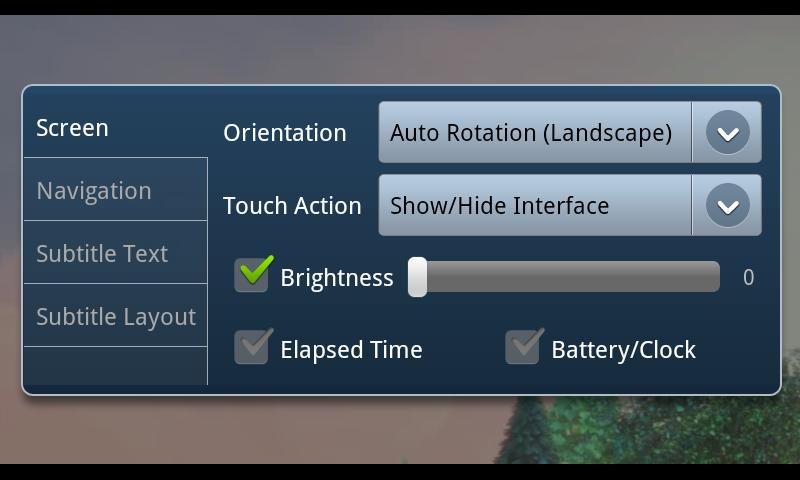
Screenshots
Requires Android: 2.1 and up
Note
Patched version, no Lucky Patcher or Google Play MOD needed!
Please remove all previous version and codec at first!!!
* Make a backup of your current version's data/setting (if necessary)
** Restore your backup data/setting (if necessary)
*1.8.1 is intermediate version of final 1.8 with fixes for Android 6. If you are using Android < 6 and want to try 1.8.1, please try beta version.
** Note for Android 6 Tegra3, x86 users: Tegra3 and x86 codecs are not yet available. Please use 1.7.x for a while.
Download Links
Please don't forget to rate my post if you like it

For more Android Apps Connect to My Blog